
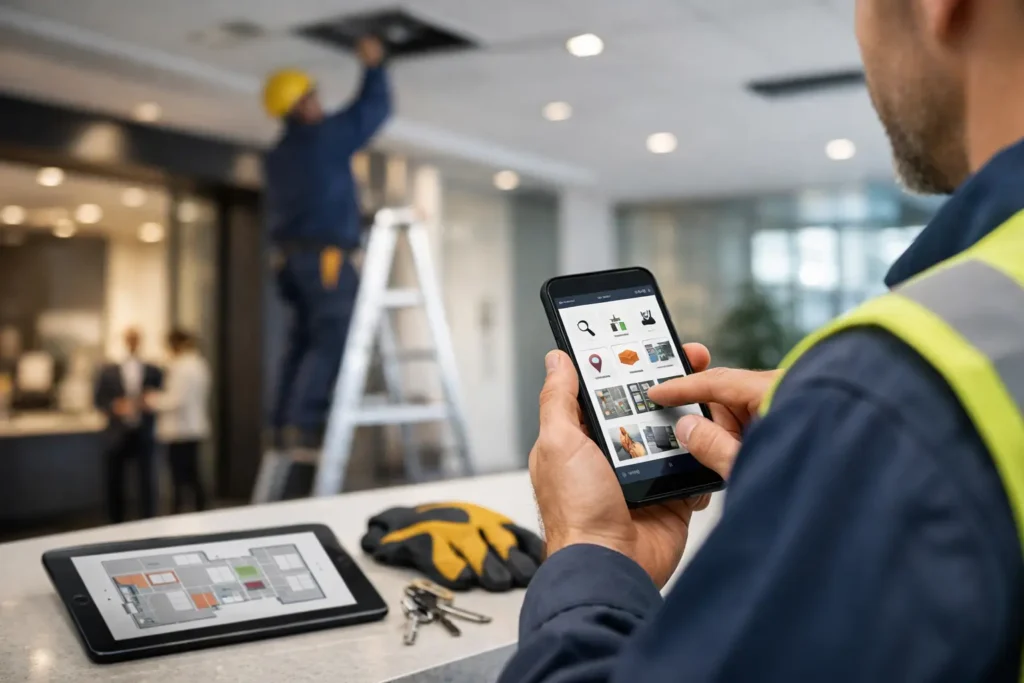
A leaking pipe at 7:10 a.m., an HVAC complaint before tenants arrive, and a cleaner waiting for access approval – this is where software either helps or slows the day down. Choosing the best building maintenance app is not really about flashy dashboards. It is about whether your team can raise, assign, track, and close work without adding more calls, more follow-ups, and more confusion.
For property owners, facility managers, landlords, and operations teams, the right app should reduce friction across the entire maintenance cycle. It should help you manage reactive jobs, preventive maintenance, inspections, contractor coordination, and service history in one place. If it cannot do that, it becomes another tool your team works around instead of working through.
What the best building maintenance app should actually solve
Most maintenance problems are not caused by a lack of effort. They come from fragmented communication. One request is sent on WhatsApp, another by email, a third through a phone call, and no one has a full record of what happened, when it was assigned, or why it is still open.
The best building maintenance app brings those moving parts into a single workflow. A tenant or staff member logs an issue. The operations team can see priority, location, photos, and category. A technician or vendor gets assigned immediately. Progress is visible without chasing updates from three different people.
That sounds simple, but the impact is significant. Faster response times improve tenant satisfaction. Better records reduce repeat visits. Clear accountability helps control costs. For buildings with multiple service needs across plumbing, electrical, HVAC, civil work, cleaning, and handyman support, centralized visibility matters even more.
Best building maintenance app features to prioritize
There is no perfect app for every property portfolio. A residential tower, a retail chain, and an industrial site will not run the same way. Still, the strongest apps tend to get a few essentials right.
Work order management that is easy to use
If submitting a job takes too many steps, people will avoid the system. Good work order management starts with a clear request form, mobile access, photo uploads, and automatic routing. The person reporting the issue should not need technical knowledge to use it.
On the management side, the app should let you sort work by urgency, asset type, building, floor, or service category. That matters when you are balancing emergency repairs with routine planned tasks.
Preventive maintenance and scheduling
Reactive maintenance is expensive. It creates disruption, higher repair costs, and more pressure on your team. A strong app should let you schedule recurring tasks for HVAC servicing, electrical inspections, plumbing checks, deep cleaning, and other routine work.
The value here is consistency. Instead of relying on memory or spreadsheets, the app prompts action before issues become failures. For managers responsible for uptime and budget control, this is often the feature that delivers the most practical return.
Mobile access for field teams
Maintenance does not happen behind a desk. Technicians need job details, site notes, checklists, and updates on their phones. They should be able to upload photos, mark status changes, record materials used, and close jobs from the field.
If the mobile experience is weak, adoption drops quickly. Teams go back to calls and messages, and reporting becomes incomplete.
Asset and service history
A good app should show the full history of an asset or location. If the same air handling unit has been repaired four times in six months, that should be obvious. If a drainage issue keeps returning in one section of the property, you should see the pattern.
This kind of visibility helps with repair versus replacement decisions. It also gives owners and operations teams better evidence when evaluating vendor performance and maintenance strategy.
Vendor and contractor coordination
Many facilities rely on external providers for specialized services. That creates another layer of complexity. The best apps make it easier to assign jobs to approved vendors, track attendance, confirm completion, and maintain a record of who did what.
This is especially useful when you are managing multiple disciplines under one property plan. Integrated service delivery works better when everyone operates from the same system instead of disconnected updates.
Reporting that supports decisions
You do not need endless charts. You need practical reporting. Open jobs by priority, average response time, recurring issue categories, technician productivity, preventive maintenance completion, and cost by asset are the reports that help managers act.
If reporting looks impressive but does not help you reduce downtime, improve service standards, or justify budget decisions, it is not doing enough.
What to watch out for when comparing apps
The market is full of platforms that promise efficiency. Some deliver. Some create a new admin burden.
One common mistake is choosing based on features you are unlikely to use. If your team needs fast work order handling and vendor tracking, an overly complex enterprise platform may slow implementation and frustrate users. More features do not always mean better outcomes.
Another issue is poor onboarding. Even a capable app can fail if setup is weak. Asset data, service categories, escalation rules, user permissions, and preventive schedules all need to be configured properly. If the rollout is rushed, reporting becomes unreliable and teams lose confidence in the system.
It also depends on who will use the app every day. A facility manager may want detailed controls, while tenants or front-desk staff need a simple way to submit requests. The best choice balances both sides without making either one struggle.
The best building maintenance app for different operations
For a single building with a small in-house team, ease of use may matter more than deep customization. You want fast setup, clear work order tracking, and enough preventive scheduling to stay ahead of basic issues.
For multi-site portfolios, stronger reporting and standardized workflows become more important. You need to compare performance across locations, manage multiple vendors, and maintain consistency in service levels.
For mixed-use or high-traffic properties, communication features carry more weight. Retail, commercial, and residential users all report issues differently, and response expectations are often higher. In those environments, delays caused by unclear handoffs are costly.
For outsourced maintenance models, contractor accountability is critical. The app should help verify attendance, document completion, and store service records in one place. This is where a single-service-provider approach can simplify operations significantly. When one partner can coordinate technical services, cleaning, and fit-out support under a unified process, the app becomes more useful because fewer updates are scattered across different companies.
Why software alone is not enough
This is the part many buyers learn later. The app matters, but execution matters more. A good platform cannot fix slow dispatching, poor workmanship, weak supervision, or a fragmented vendor network.
That is why the best operational setups combine the right tool with the right service structure. If your building maintenance process still depends on separate contractors for plumbing, HVAC, electrical, civil work, and cleaning, your app may only make fragmentation more visible. It will not remove it.
A more effective model is to use technology alongside an integrated maintenance partner that can manage multiple service lines through one point of contact. That reduces handoff delays, improves continuity, and makes app-based tracking more meaningful because the information leads to action faster. For many property stakeholders, that is where the real efficiency gain shows up.
Companies like Maxa Technical Services LLC operate in that practical space – not just delivering the labor, but simplifying coordination across ongoing facility needs. When the service model is centralized, the software has a much better chance of producing measurable results.
How to make the right decision
Start with your current pain points, not the software demo. Are jobs being missed? Are vendors hard to manage? Are preventive tasks slipping? Are tenants frustrated by slow updates? Your answers should shape the shortlist.
Then look at the daily workflow. How many people need access? Who creates requests? Who approves them? Who closes them? What reports do decision-makers actually use? If an app does not fit that real process, it will struggle after purchase.
Ask for a trial that reflects your building type and service volume. Test a few live scenarios: an emergency plumbing call, a scheduled HVAC service, a cleaning complaint, and a repeat electrical issue. This will tell you more than a polished sales presentation.
Finally, be honest about whether you need software, better service delivery, or both. Many teams assume the app is the fix when the larger issue is scattered responsibility. The best building maintenance app supports a well-run operation. It does not replace one.
The right choice is the one that helps your team respond faster, plan better, and maintain control without adding complexity. If the app makes maintenance easier for the people doing the work and clearer for the people managing the budget, you are looking in the right place.